 OPNsense
Download & Install
Get the official OPNsense installer image, verify it, write it to USB and complete a clean installation on real hardware.

Download & Install
OPNsense Download: Get the Official Installer Image Safely
Download OPNsense 26.7 directly from the official release server: pick the right image, understand the file names and avoid unofficial sources.
Read the guide →
Download & Install
VGA vs DVD vs Serial vs Nano: Which OPNsense Image Do You Need?
VGA, DVD, Serial or Nano? Compare the four OPNsense installer images by console, media and use case so you download the right file first time.
Read the guide →

Download & Install
How to Verify Your OPNsense Download with SHA256 and OpenSSL
Verify your OPNsense image before installing: SHA256 checksum comparison and OpenSSL signature verification, step by step.
Read the guide →
Download & Install
How to Create an OPNsense Bootable USB Drive
Create an OPNsense bootable USB drive: decompress the .bz2 image, write it to the correct device and confirm the installer boots.
Read the guide →
Download & Install
OPNsense Installation Guide: Step by Step on Real Hardware
Install OPNsense step by step: boot the installer, sign in as installer, choose a filesystem and reboot into a working firewall.
Read the guide →
Hardware & Mini PC
Choose hardware that suits your network: official sizing tiers, fanless mini PCs, the Nano image and serial console access.

Hardware & Mini PC
OPNsense Hardware Requirements: Minimum, Reasonable, Recommended
The official OPNsense hardware tiers explained: minimum, reasonable and recommended CPU, RAM and storage, matched to the services you plan to run.
Read the guide →
Hardware & Mini PC
How to Choose a Mini PC for OPNsense: NICs, CPU and Power
Choose a mini PC for OPNsense with confidence: network chipsets, port count, CPU headroom, storage and power use, without the marketing noise.
Read the guide →
Hardware & Mini PC
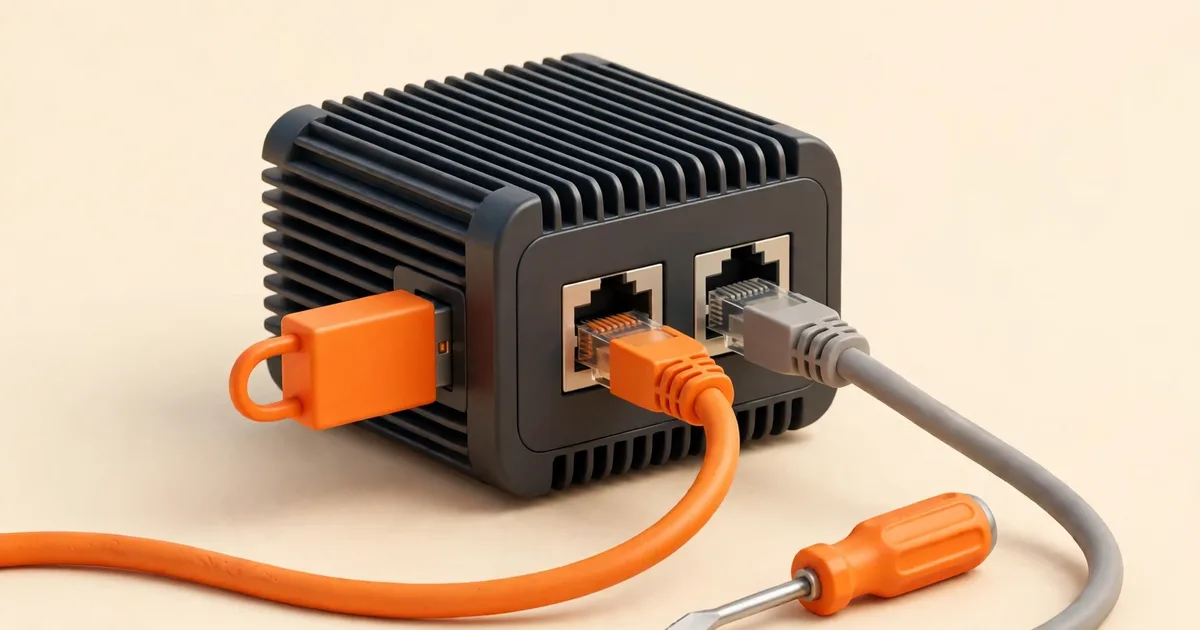
How to Install OPNsense on a Fanless Mini PC
Install OPNsense on a fanless mini PC: BIOS settings, Secure Boot, the VGA image, disk selection and confirming the right ports after reboot.
Read the guide →
Hardware & Mini PC
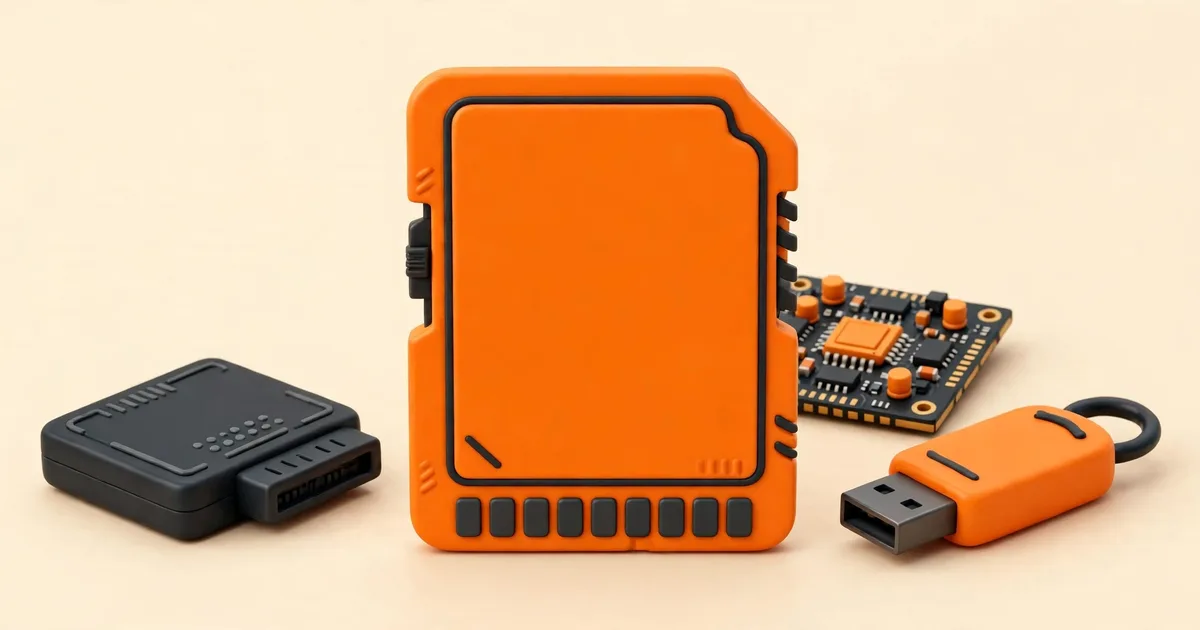
OPNsense Nano Image: The Preinstalled Option for USB, SD and CF
The OPNsense Nano image explained: a preinstalled system for USB, SD and CF media, how its RAM disk works and when to choose it.
Read the guide →

Hardware & Mini PC
OPNsense Serial Console Setup for Headless Hardware
Set up the OPNsense serial console on headless hardware: the right cable, 115200 baud settings and what you should see from power-on to login.
Read the guide →
Virtual Machines
Run OPNsense as a virtual machine on Proxmox VE, KVM and desktop hypervisors, with correct sizing and network settings.
Virtual Machines
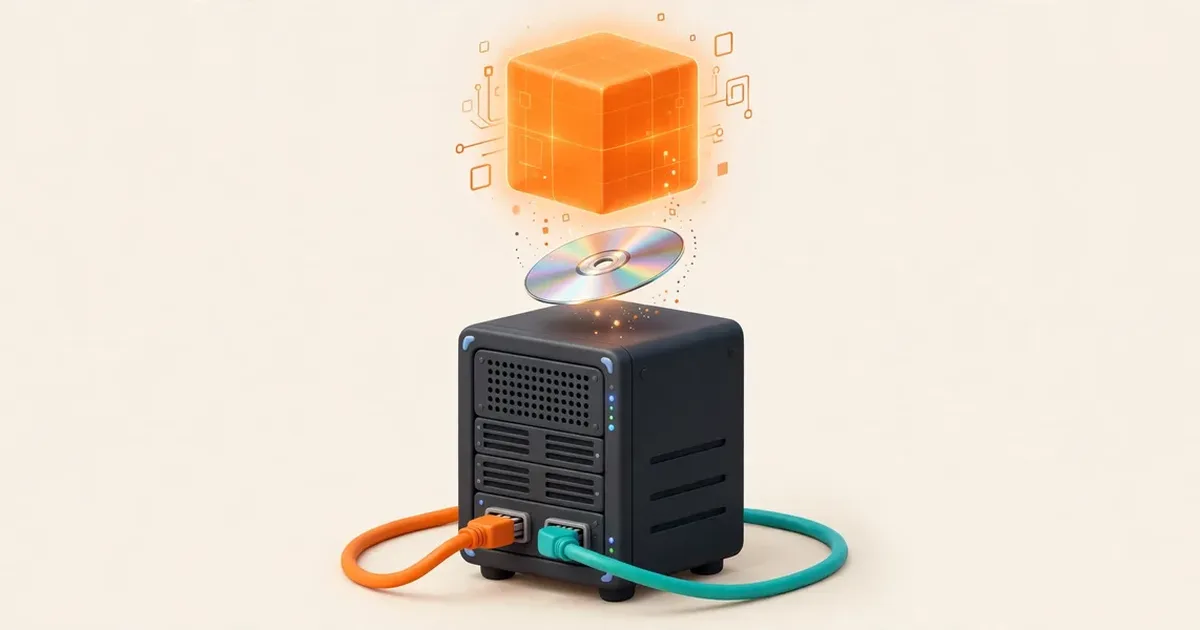
How to Install OPNsense on Proxmox VE, Step by Step
Install OPNsense on Proxmox VE: upload the DVD ISO, create the VM, build WAN and LAN bridges and disable the offloading that breaks traffic.
Read the guide →
Virtual Machines
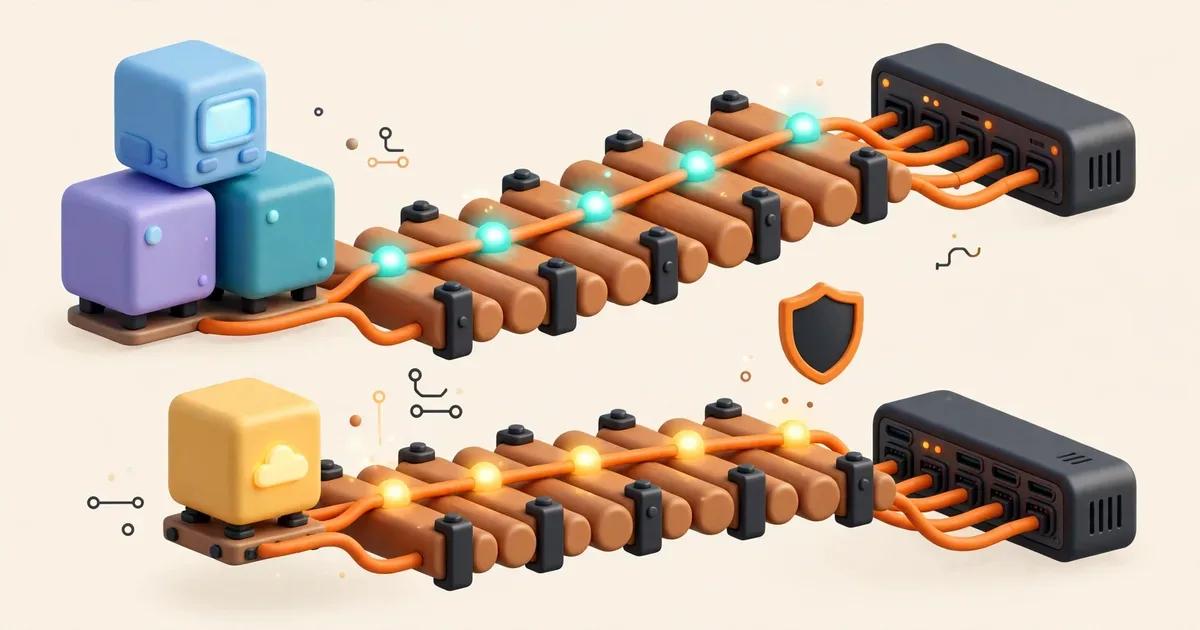
OPNsense on Proxmox: Bridges, VirtIO and PCI Passthrough Compared
VirtIO bridges or PCI passthrough for OPNsense on Proxmox? Compare performance, flexibility and the host-management trap before you choose.
Read the guide →

Virtual Machines
OPNsense Virtual Machine Requirements and Sizing
Size an OPNsense VM properly: the official minimums, what each service adds, and how to avoid the two classic sizing mistakes.
Read the guide →

Virtual Machines
OPNsense QEMU Guest Agent: Install It and Verify It Works
Install the QEMU guest agent on OPNsense for Proxmox and KVM: what the Tier-3 plugin does, clean shutdowns and how to verify it responds.
Read the guide →

Virtual Machines
Install OPNsense in VirtualBox or VMware for a Home Lab
Build a safe OPNsense lab in VirtualBox or VMware: host-only and internal networks that practise firewall skills without touching your real LAN.
Read the guide →
Setup & Configuration
First boot, the setup wizard field by field, interface assignment, LAN changes, configuration backups and safe updates.
Setup & Configuration
OPNsense First Boot: The Console Menu and Interface Assignment
Your first OPNsense boot: read the console menu, assign WAN and LAN, find the web interface address and know which options you will actually use.
Read the guide →

Setup & Configuration
The OPNsense Setup Wizard, Explained Field by Field
Every OPNsense setup wizard field explained: hostname, DNS, time, WAN types by ISP, LAN settings and the admin password, plus checks to run afterwards.
Read the guide →
Setup & Configuration
How to Assign WAN and LAN Interfaces in OPNsense (and Fix Swapped Ports)
Assign WAN and LAN interfaces in OPNsense from the console or GUI, identify ports by MAC address and link light, and fix swapped ports safely.
Read the guide →
Setup & Configuration
How to Change the OPNsense LAN IP Address Without Locking Yourself Out
Change the OPNsense LAN IP and subnet safely: the order of steps, the DHCP changes that must follow, and how to recover if you lose access.
Read the guide →

Setup & Configuration
How to Back Up and Restore an OPNsense Configuration
Back up and restore an OPNsense configuration: download config.xml, protect it, restore it on the same or new hardware and prove the backup works.
Read the guide →
Setup & Configuration
How to Update OPNsense Safely: Firmware, Plugins and a Rollback Plan
Update OPNsense safely: read the release notes, take a backup, run the firmware update, handle plugins and know your rollback options.
Read the guide →
Security & Troubleshooting
WireGuard VPN, Suricata IDS/IPS and VLANs, plus symptom-by-symptom fixes for boot and web interface problems.

Security & Troubleshooting
How to Enable IDS/IPS in OPNsense with Suricata
Enable IDS and IPS in OPNsense with Suricata: choose interfaces, download rulesets, start in detection, then move to prevention and verify with a test alert.
Read the guide →

Security & Troubleshooting
OPNsense WireGuard VPN Setup for Secure Remote Access
Set up WireGuard on OPNsense for remote access: instance, peers, keys, firewall rules and the handshake check that proves it works.
Read the guide →

Security & Troubleshooting
How to Set Up VLANs in OPNsense: Devices, Assignment and Rules
Set up VLANs in OPNsense: create the tagged device, assign it as an interface, add DHCP and firewall rules, and configure your switch to match.
Read the guide →

Security & Troubleshooting
OPNsense Won't Boot: Symptom-by-Symptom Troubleshooting
OPNsense will not boot? Match your symptom (Secure Boot errors, not a bootable disk, freezes, wrong disk) to its likely cause and the fix that resolves it.
Read the guide →
Security & Troubleshooting
Can't Access the OPNsense Web Interface? Work Through These Fixes
The OPNsense web interface will not load? Work layer by layer: cabling, IP address, DHCP, browser warnings and the console recovery options.
Read the guide →