 OPNsense
Hardware & Mini PC
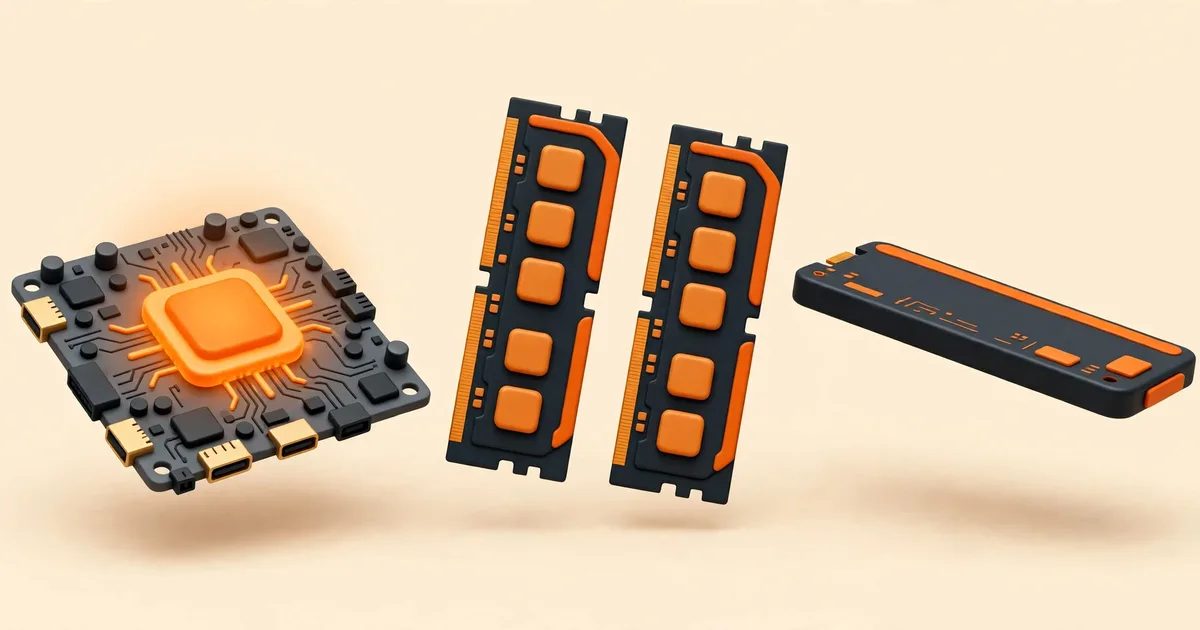
OPNsense Hardware Requirements: Minimum, Reasonable, Recommended
The official OPNsense hardware tiers explained: minimum, reasonable and recommended CPU, RAM and storage, matched to the services you plan to run.
Read the guide →
Hardware & Mini PC
How to Choose a Mini PC for OPNsense: NICs, CPU and Power
Choose a mini PC for OPNsense with confidence: network chipsets, port count, CPU headroom, storage and power use, without the marketing noise.
Read the guide →
Hardware & Mini PC
How to Install OPNsense on a Fanless Mini PC
Install OPNsense on a fanless mini PC: BIOS settings, Secure Boot, the VGA image, disk selection and confirming the right ports after reboot.
Read the guide →
Hardware & Mini PC
OPNsense Nano Image: The Preinstalled Option for USB, SD and CF
The OPNsense Nano image explained: a preinstalled system for USB, SD and CF media, how its RAM disk works and when to choose it.
Read the guide →
Hardware & Mini PC
OPNsense Serial Console Setup for Headless Hardware
Set up the OPNsense serial console on headless hardware: the right cable, 115200 baud settings and what you should see from power-on to login.
Read the guide →
Other categories
Category
Download & Install
Get the official OPNsense installer image, verify it, write it to USB and complete a clean installation on real hardware.
Browse category →
Category
Virtual Machines
Run OPNsense as a virtual machine on Proxmox VE, KVM and desktop hypervisors, with correct sizing and network settings.
Browse category →
Category
Setup & Configuration
First boot, the setup wizard field by field, interface assignment, LAN changes, configuration backups and safe updates.
Browse category →
Category
Security & Troubleshooting
WireGuard VPN, Suricata IDS/IPS and VLANs, plus symptom-by-symptom fixes for boot and web interface problems.
Browse category →